Apple Watch Water Lock: How the Swimming Feature Works
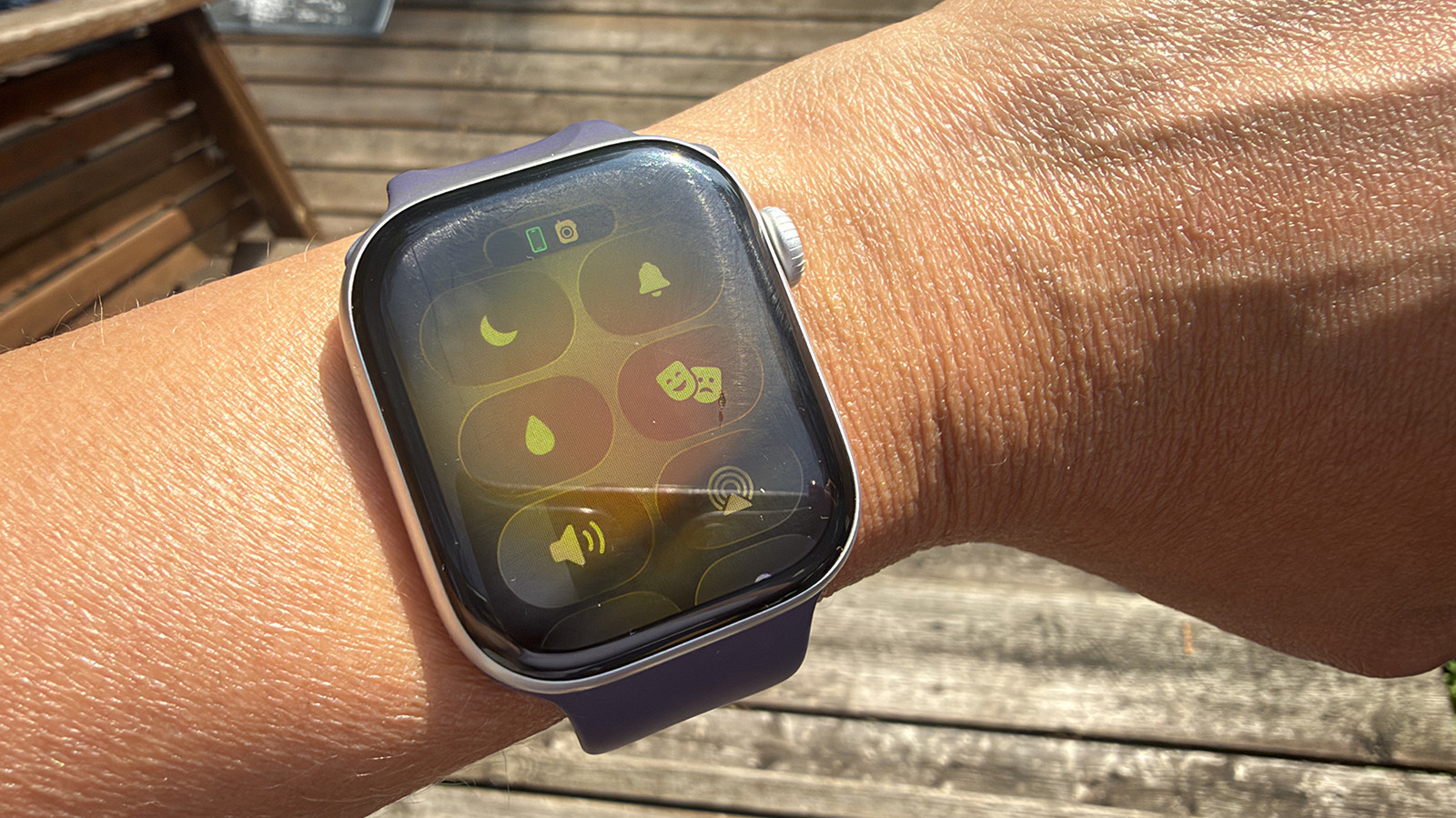
The Apple Watch features a 'Water Lock' mode designed to prevent accidental screen inputs while submerged. This feature automatically engages when the watch detects swimming activity, ensuring that water doesn't trigger unwanted actions on the touchscreen. Once activated, the Water Lock mode disables touch interactions, allowing users to focus on their swim metrics. To exit Water Lock mode, users must perform a specific action, typically by turning the Digital Crown. This action expels any residual water from the speaker grille, clearing the display and restoring full touch functionality. The system is engineered to be both intuitive for swimmers and robust against accidental deactivation during water-based exercises. It's a key component of the Apple Watch's water resistance capabilities, enhancing its utility for fitness tracking in aquatic environments.
The Water Lock feature on Apple Watches exemplifies how user interface design can adapt to specific environmental conditions. By disabling touch input and incorporating a water expulsion mechanism, Apple addresses the practical challenges of using a touchscreen device underwater. This system highlights a broader trend in wearable technology, where context-aware software features are becoming crucial for expanding device functionality beyond traditional use cases. The design prioritizes user experience during a specific activity, demonstrating an understanding of user needs in niche applications like swimming. Future iterations could explore more sophisticated sensor integration to automatically detect a wider range of water-based activities or provide more granular control over water resistance settings.
AI-generated to prompt reflection — not editorial opinion, not advice, not a statement of fact. How this works.