Choosing the Right USB Port for Your Peripherals
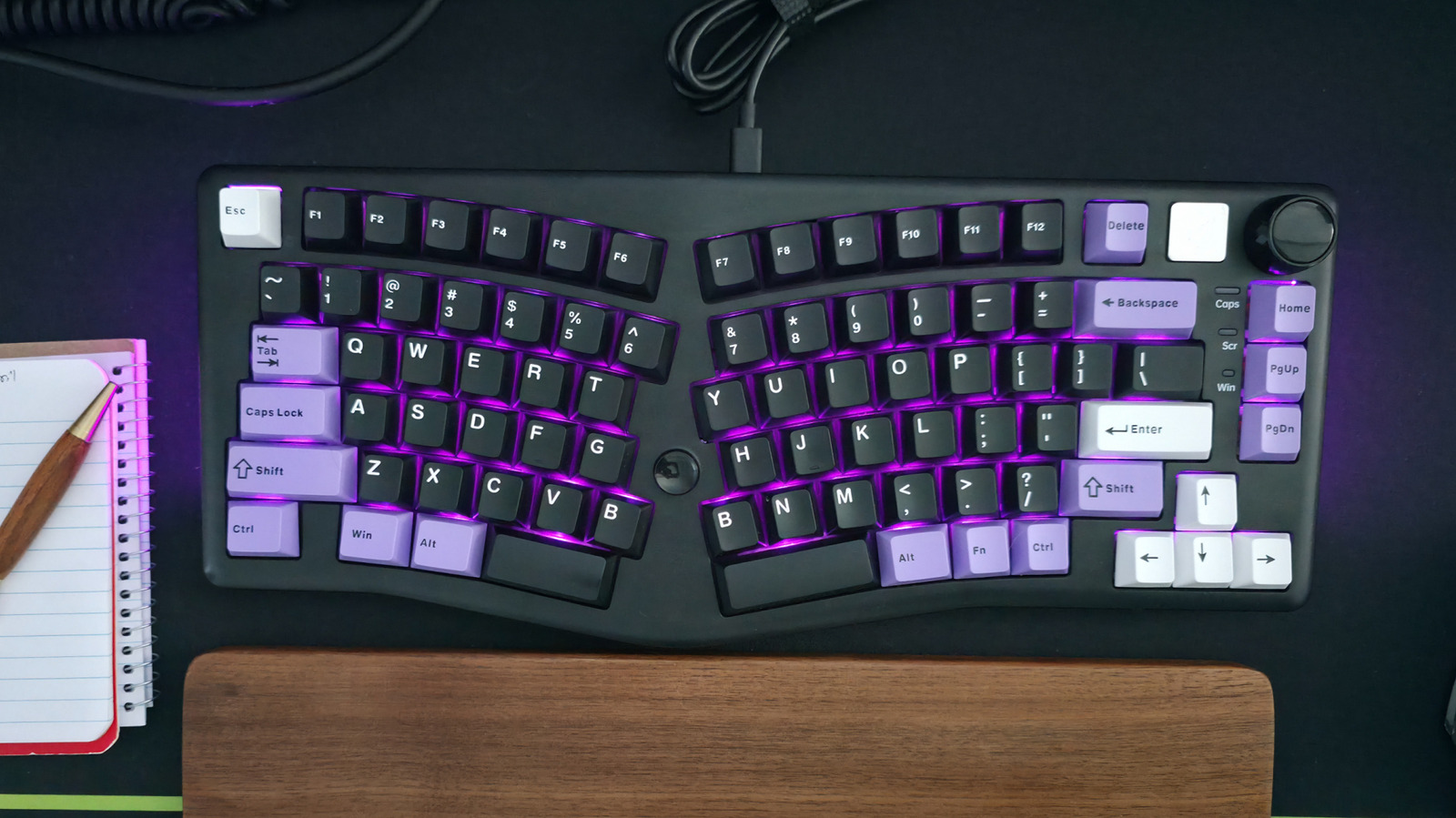
When connecting a mouse and keyboard to your computer, it's advisable to use less capable USB ports. This strategy ensures that your higher-bandwidth USB ports remain available for more demanding devices such as external hard drives, high-resolution webcams, or fast external SSDs. Mice and keyboards typically have very low data transfer requirements, meaning they do not need the fastest USB connections. By reserving the faster USB ports for devices that genuinely benefit from them, you can optimize your system's overall performance and prevent potential bottlenecks. This simple practice helps manage your computer's resources effectively, ensuring that all connected peripherals function optimally without compromising the speed or stability of high-demand devices. Therefore, it's a good habit to identify and utilize the appropriate USB ports based on the specific needs of each peripheral.
The advice to reserve high-bandwidth USB ports for demanding peripherals highlights a practical approach to resource management in computing. This strategy aligns with principles of efficient system design, where specialized ports are allocated to devices whose performance is critically dependent on data throughput. By utilizing lower-bandwidth ports for input devices like mice and keyboards, users can mitigate potential latency issues and ensure that high-speed data transfers for devices like external storage or video capture are not impeded. This approach optimizes the user experience by preventing bottlenecks and maximizing the utility of available hardware, reflecting a nuanced understanding of device requirements within a connected ecosystem.
AI-generated to prompt reflection — not editorial opinion, not advice, not a statement of fact. How this works.