Google Fitbit Charge 6 Now Supports Apple HealthKit on iPhone
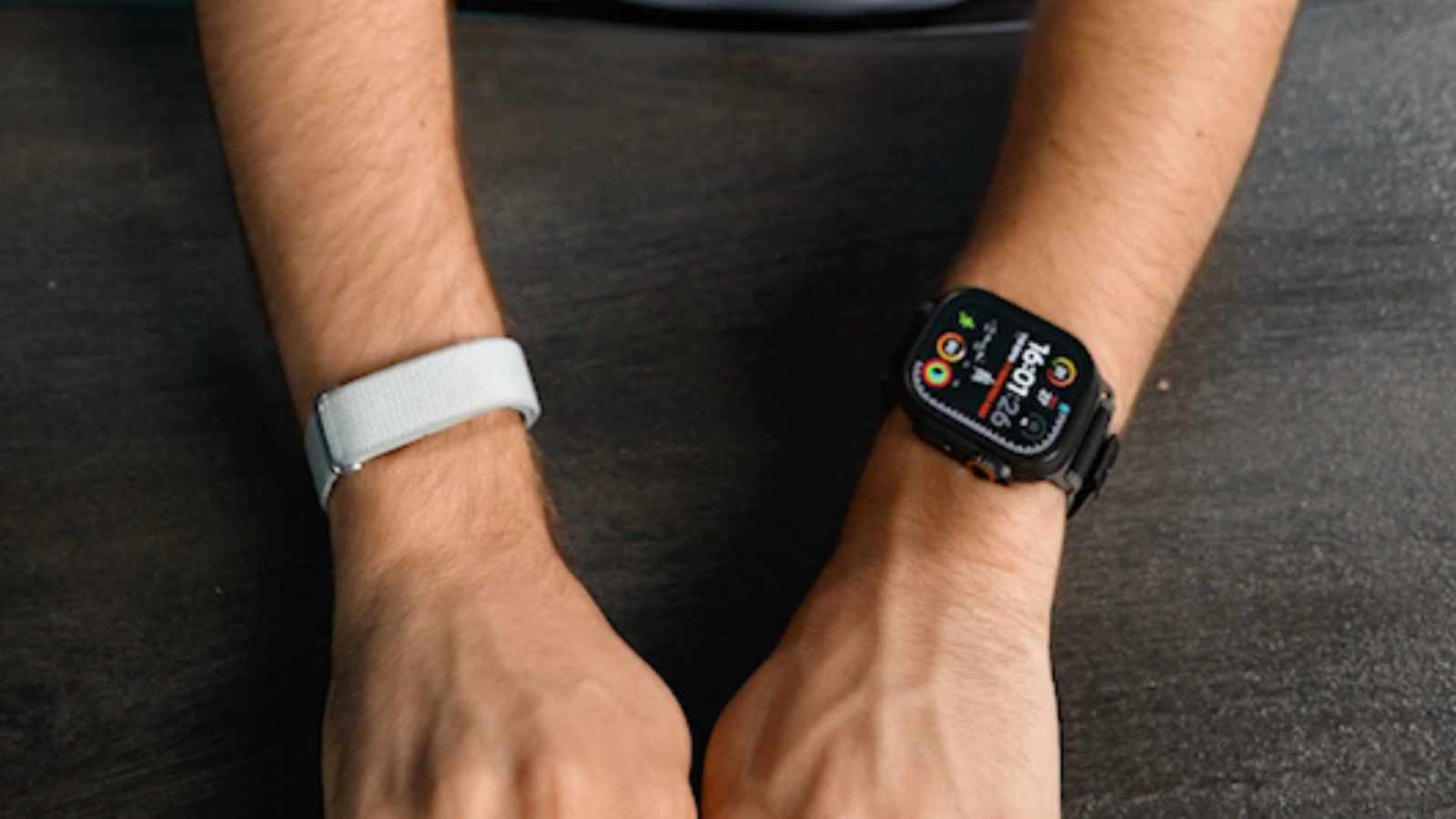
Three months after its release, the Google Fitbit Charge 6 wearable device now supports Apple's HealthKit technology. This integration allows users to consolidate their health data in one central location, enabling secure usage across multiple applications. The long-awaited update was recently implemented in the Google Health app, fulfilling promises made weeks ago. HealthKit is a framework developed by Apple that serves as a central repository for health and fitness data. By supporting HealthKit, the Fitbit Charge 6 can now share its collected data, such as heart rate, sleep patterns, and activity levels, with the Apple Health ecosystem. This interoperability enhances the user experience by providing a more unified view of their health metrics. Previously, users might have had to manage data separately or rely on third-party solutions to bridge the gap between Fitbit and Apple's health platform. The update signifies Google's commitment to making its devices more compatible within broader health tracking environments.
The integration of Fitbit Charge 6 with Apple HealthKit addresses a significant interoperability gap, enhancing the device's value proposition for iPhone users. This move reflects a broader trend in the wearables market towards open ecosystems and data portability, driven by consumer demand for unified health management. By aligning with Apple's health data standard, Google is likely seeking to broaden its addressable market and leverage the existing user base of Apple Health. This strategic decision could influence future product development and partnerships, as companies increasingly recognize the competitive advantage of seamless integration within dominant mobile platforms. The long-term implications may involve further consolidation of health data platforms and increased pressure on other manufacturers to adopt similar open standards.
AI-generated to prompt reflection — not editorial opinion, not advice, not a statement of fact. How this works.