Google Play Protect: Understanding Risks Before Disabling the Security Feature
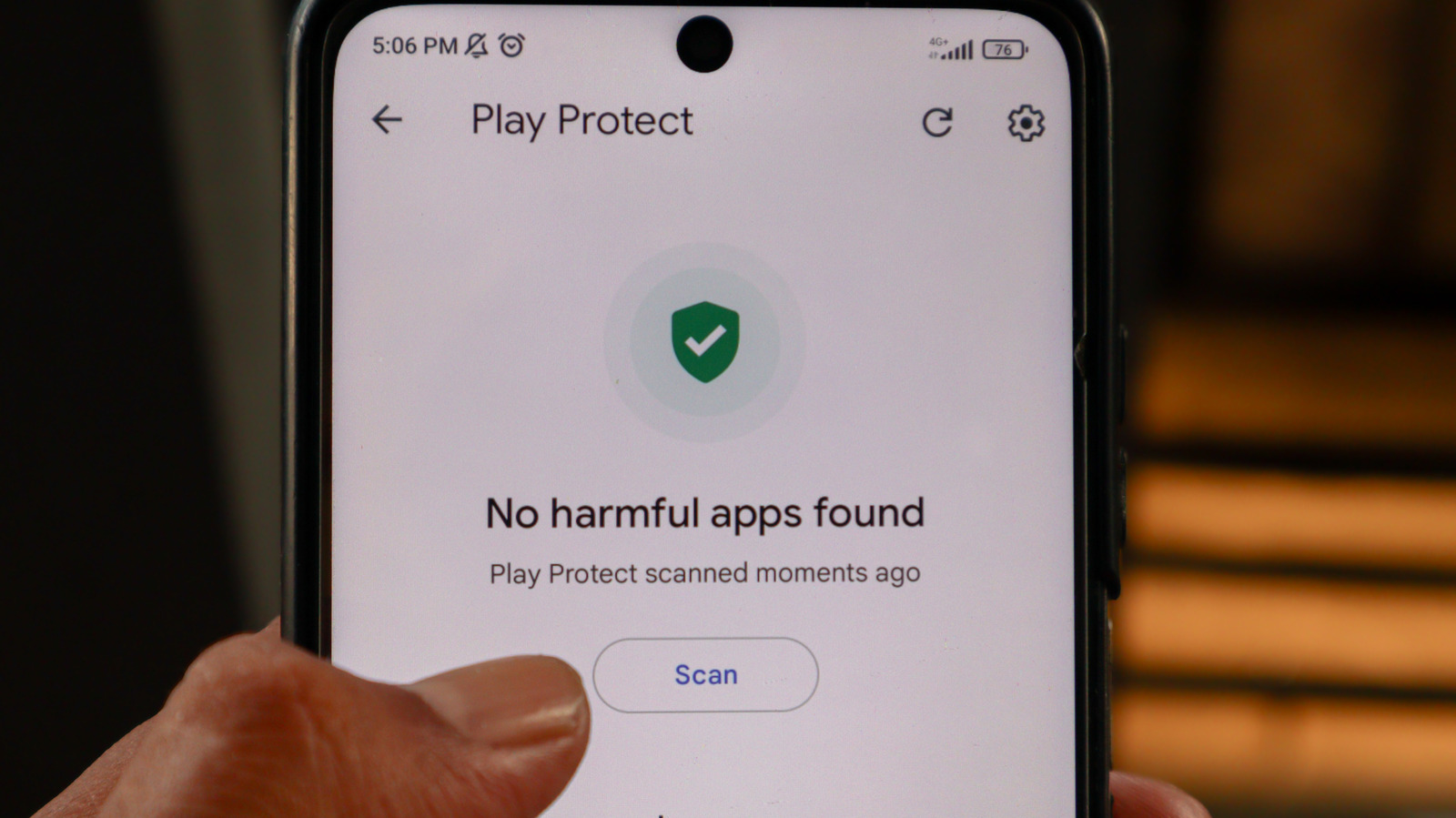
Google Play Protect, an essential security feature for Android devices, can be disabled by users who find its restrictions too limiting. This feature is designed to safeguard users by scanning apps for malicious behavior, both from the Google Play Store and other sources. It operates by checking apps against Google's database of known threats and can warn users or even remove harmful applications. Disabling Play Protect removes this layer of protection, potentially exposing the device to malware, spyware, and other security risks. Users who choose to disable it should be aware that they are taking on the responsibility of manually vetting all applications they install. This includes apps downloaded from outside the official Google Play Store, which carry a higher risk of containing malicious code. While disabling Play Protect might offer a perceived increase in freedom or performance for some users, it significantly compromises the device's overall security posture. The decision to disable this feature should therefore be made with a full understanding of the potential consequences and a commitment to maintaining a high level of personal vigilance regarding app installations.
The decision to disable Google Play Protect highlights a fundamental tension between user autonomy and platform security. While users may seek greater control over their devices, the inherent risks associated with bypassing built-in security measures are substantial. This situation underscores the challenge for platform providers like Google to balance user experience with robust protection against evolving cyber threats. Future iterations of such security features will likely need to incorporate more granular controls and transparent communication to address user concerns without compromising overall device safety. The long-term trend suggests a move towards more intelligent, context-aware security that minimizes user friction while maximizing threat detection.
AI-generated to prompt reflection — not editorial opinion, not advice, not a statement of fact. How this works.