Safely Cleaning Your USB Ports: What to Avoid
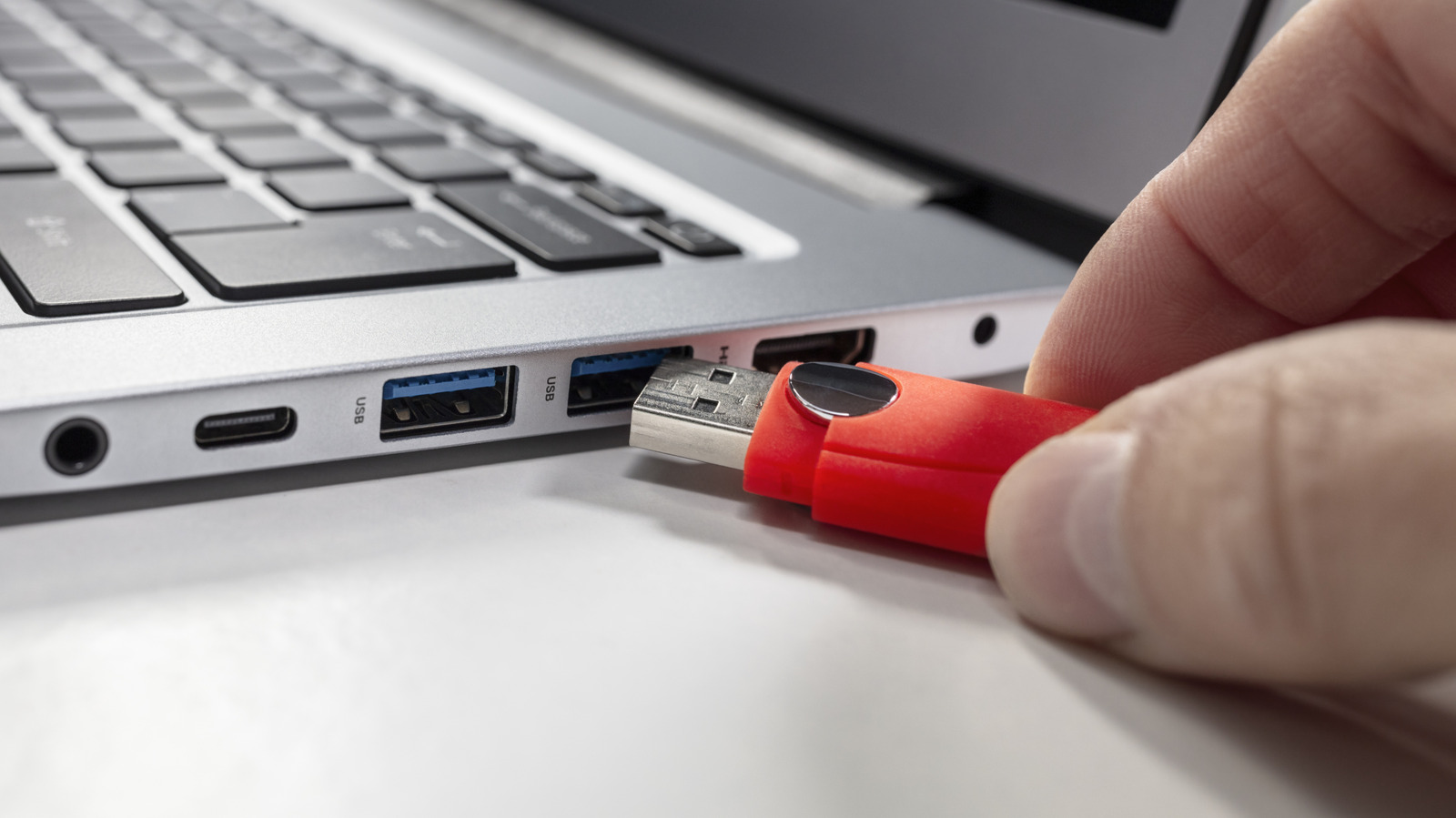
When cleaning your USB ports, it's crucial to use the right methods and materials to avoid damage. For starters, avoid using common household products like WD-40, which can leave residue and potentially short-circuit the port. Similarly, cotton swabs, often referred to as Q-tips, are not ideal for cleaning USB ports. The cotton fibers can detach and become lodged inside the port, causing connectivity issues or further damage. Instead, compressed air is generally recommended for dislodging dust and debris from USB ports. For more stubborn grime, a specialized electronic cleaning solution applied to a lint-free wipe or a small, soft brush designed for electronics can be used. Always ensure the device is powered off and unplugged before attempting any cleaning. Gentle, careful movements are key to preventing physical damage to the delicate internal components of the USB port.
The maintenance of electronic device ports, such as USB ports, highlights a common user interaction point where improper care can lead to functional degradation. The advice against using common household lubricants like WD-40 or fibrous applicators like Q-tips underscores the importance of material compatibility and residue management in sensitive electronic components. Future electronic design may incorporate more self-cleaning mechanisms or more robust port architectures to mitigate user error and extend device lifespan, especially as the reliance on ubiquitous connectivity intensifies. This also points to a broader need for accessible, clear user education on device care to prevent premature obsolescence and reduce electronic waste.
AI-generated to prompt reflection — not editorial opinion, not advice, not a statement of fact. How this works.