USB Tethering Explained: When and How to Use It for Mobile Hotspot
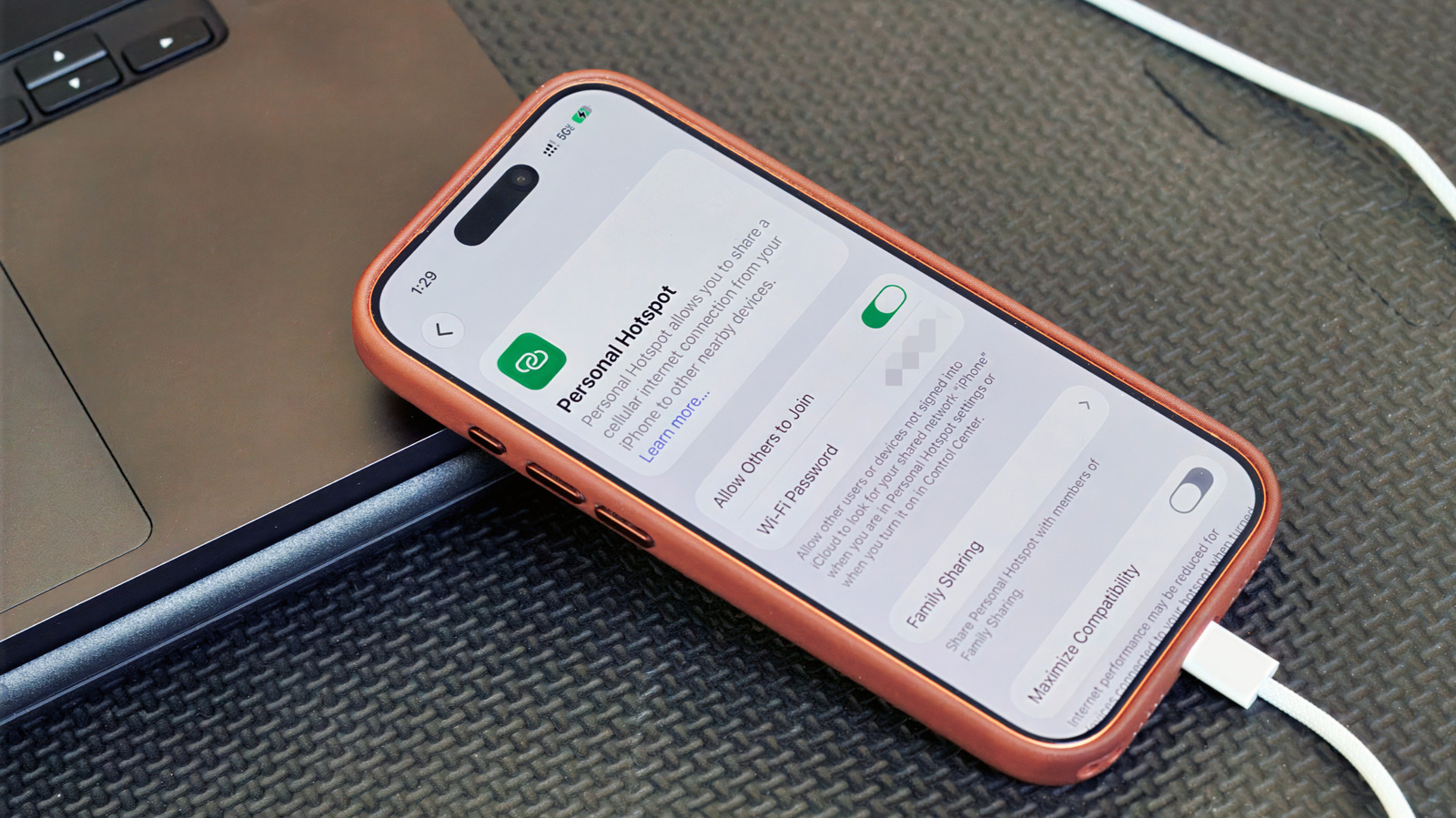
USB tethering offers a more stable and often faster internet connection compared to Wi-Fi hotspots. This method involves connecting your smartphone to a computer or other device using a USB cable, allowing the phone's cellular data to be shared. It is particularly useful in situations where Wi-Fi signals are weak or unreliable, or when a higher bandwidth connection is needed for demanding tasks. The process of enabling USB tethering varies slightly depending on the operating system of your smartphone, but generally involves navigating to the network settings.
To enable USB tethering on most Android devices, users typically need to go to Settings, then select Network & internet or Connections, followed by Hotspot & tethering. From there, they can toggle on the USB tethering option. For iPhones, USB tethering is usually enabled automatically when the device is connected to a computer via USB and iTunes is running, or through the Personal Hotspot settings if configured for USB. This feature is a valuable tool for users who need consistent and robust internet access on their computers or other devices, leveraging their smartphone's cellular plan.
USB tethering presents a technical solution for enhancing internet connectivity by leveraging a wired connection, which inherently offers lower latency and greater bandwidth stability than wireless alternatives. This method highlights the evolving role of smartphones as multifaceted personal hubs, capable of not only communication but also providing essential network infrastructure. As reliance on consistent, high-speed internet grows across all aspects of life, understanding and utilizing such direct connection methods becomes increasingly important for productivity and access. The underlying principle is a trade-off between convenience and performance, where the physical cable offers superior reliability at the cost of mobility, a dynamic that will continue to shape user behavior and infrastructure development in the coming decade.
AI-generated to prompt reflection — not editorial opinion, not advice, not a statement of fact. How this works.