Windows 11 Home vs. Pro: Key Differences and Upgrade Value
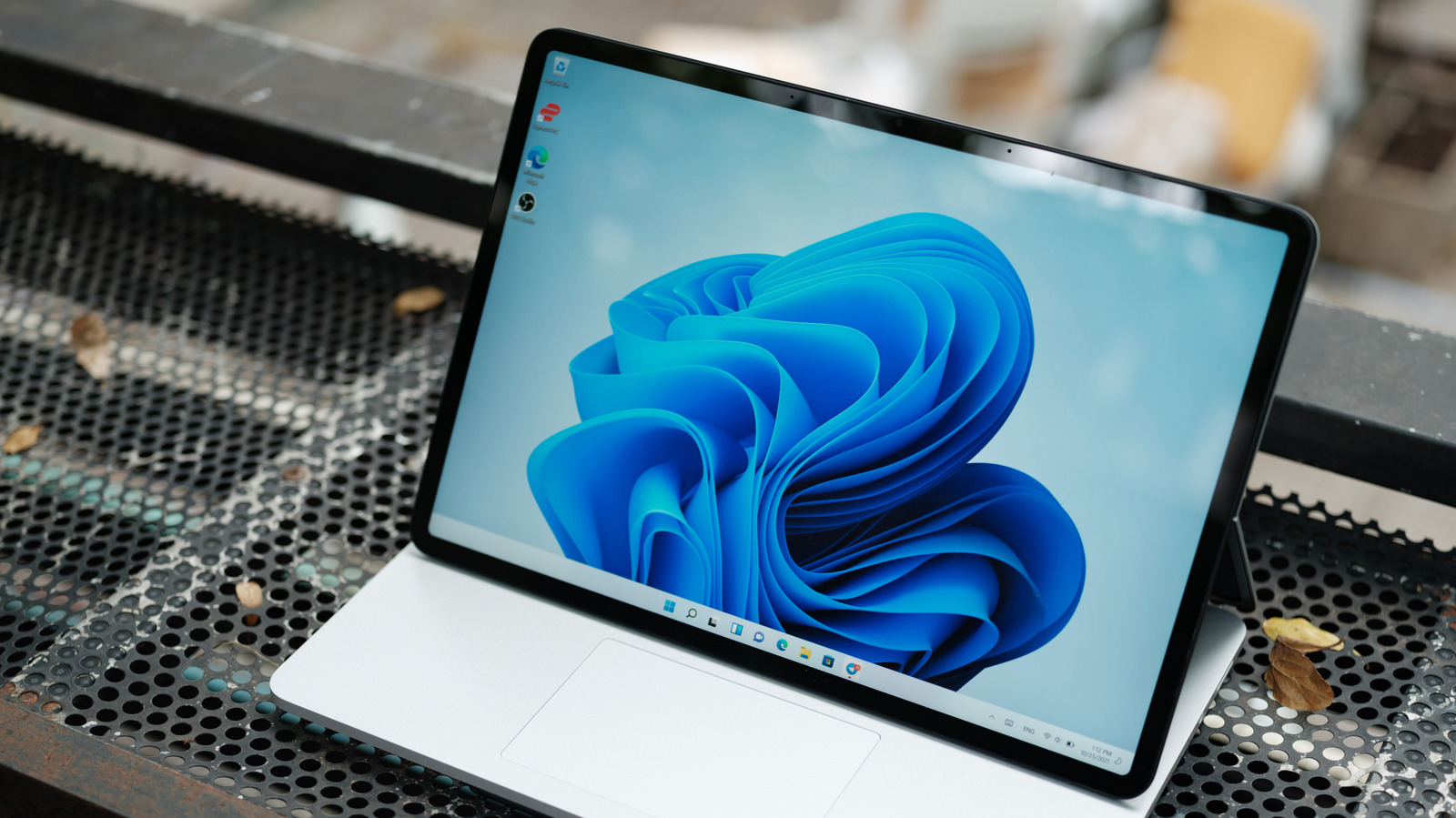
Most users of Microsoft's Windows 11 operating system likely do not need to upgrade to the Pro version. The Home edition of Windows 11 is sufficient for the vast majority of personal computing needs. Key features that differentiate the Pro version are primarily targeted towards business and enterprise environments, rather than individual consumers. These advanced functionalities often go unused by the average user, making the upgrade unnecessary and an inefficient use of resources. Therefore, sticking with Windows 11 Home is the recommended approach for most people. The decision to upgrade should be carefully considered based on specific, advanced requirements rather than general usage. Understanding these distinctions ensures users select the most appropriate and cost-effective version of Windows 11 for their individual circumstances.
The distinction between Windows 11 Home and Pro highlights a common tiered product strategy in the software industry, where advanced features are reserved for higher-priced versions. This approach incentivizes upgrades by offering functionalities that may be critical for specific professional use cases, such as enhanced security, remote management, and virtualization capabilities. For the average consumer, the core user experience and essential applications are fully supported by the Home edition. The decision to upgrade hinges on a clear assessment of whether the marginal benefits of Pro features outweigh the additional cost and complexity for an individual's workflow, rather than a general need for a more powerful operating system.
AI-generated to prompt reflection — not editorial opinion, not advice, not a statement of fact. How this works.